
Updated 2025
The best way to learn how to present research is to study real presentations. Here are my slides from over a decade of conference talks — with honest commentary on what worked, what I’d change, and what you can take directly as a template.
Most advice on research presentations is abstract. “Tell a story.” “Know your audience.” “Don’t put too much on one slide.” These principles are correct but don’t help you when you’re staring at a blank slide deck two days before your conference talk.
What helps is seeing real examples — understanding why specific design choices were made, and learning which ones are worth copying.
This post collects all my publicly available presentation slides, organized chronologically, with commentary on the context and the lessons I took from each.
During my stint at the Indian Institute of Technology (IIT) Kharagpur for my MS Research degree and currently Ph.D. degree in Machine Learning and Natural Language Processing, I had to give several presentations.
To date, all my presentations in PDF format can be found on my Github repository.
My previous blog article discusses practical tips while preparing for a technical or research (PowerPoint or google slides) presentation. Especially when you have very less amount of time to spare.
In this article, I will provide a list of presentation slides I have delivered to date at different venues, which you can use as a technical presentation template.
After a great deal of advice and feedback from my seniors and my supervisors, I was able to identify the points of a technical presentation I was blatantly overlooking previously.
Table of Contents
- How to Use These Examples
- My Presentation Philosophy
- Chronological Slide Collection
- Templates You Can Use Directly
- What I Changed Over Time
- Tools and Workflow
How to Use These Examples
For learning presentation structure: Look at the slide count per section, how the introduction is framed, and how results are presented. Pay attention to what information made it onto slides and what was left for spoken explanation.
For understanding technical communication: Look at how complex methods are simplified into diagrams. Note where jargon is used and where plain language is substituted.
As templates: You’re welcome to use the structural layout of any of these presentations for your own work. The content is specific to my research; the structure is general.
My Presentation Philosophy
After 10+ conference presentations, here’s what I’ve settled on:
1. One key message per talk. I ask myself: if someone remembers only one thing, what should it be? Every slide should support that message.
2. The audience is your ally. They want you to succeed. They’re hoping the talk is good. Don’t treat the Q&A as adversarial — treat it as collaboration.
3. Figures over text, always. A system diagram that took 2 hours to make will communicate in 10 seconds what 5 bullet points never will.
4. Speak to the slides; don’t read them. The slides are the skeleton. Your spoken words are the flesh. If someone can understand the full talk by reading the slides silently, you’re not adding enough value.
5. Practice the first 60 seconds cold. The opening of a talk is the highest-stakes moment. Knowing your opening cold means you can settle nerves while speaking.
My technical presentation examples using Google Slides (googleslides)
1. An article from the reputed Science magazine
The spread of true and false news online, published in Science (March 2018 issue). We presented the above article in this presentation prepared by me and Amrith Krishna Da(a Ph.D. scholar, CSE, IIT Kharagpur). [PPT]

2. My 1st conference paper presentation
My first conference paper was “Understanding Email Interactivity and Predicting User Response to email,” and went to present it at Second International Conference on Computational Intelligence, Communications, and Business Analytics (CICBA) 2018, organized at Kalyani Government Engineering College, West Bengal, India.
Here, they already provided a presentation template from beforehand which also included the organization of the slides.
3. Reading Group (internal) talk at IIT Kharagpur

Here, I introduce the topic of semi-supervised deep learning techniques and present a NIPS 2017 paper in this domain titled “Mean teachers are better role models: Weight-averaged consistency targets improve semi-supervised deep learning results.”
4. My compilation for a Research panel discussion
Semi-supervised Learning techniques and Active Learning
I have only provided my segment, which was a part of a panel discussion covering a broader topic titled Leveraging Unlabeled Data and Environment Access for ML.
The discussion panel also covered recent literature on Transfer learning, Zero-shot learning, Reinforcement Learning(with different variants), and Imitation Learning.

5. Reading Group (internal) talk at IIT Kharagpur
Bidisha Di and I presented the AAAI 2018 paper titled “Weakly Supervised Induction of Affective Events by Optimizing Semantic Consistency” in the Reading Group of our research group on 17th October 2019.
6. ACM WebSci 2019 paper titled “Understanding Brand Consistency from Web Content” at the “Out-of-India” track of India HCI 2019 [Slides]
7. CNeRG Reading Group talk on 17th October 2019, where I presented the AAAI 2018 paper titled “Weakly Supervised Induction of Affective Events by Optimizing Semantic Consistency”[Slides]
Templates You Can Use Directly
Based on the structural lessons from all the above, here is a fill-in-the-blank template for a 15-minute research talk:
Slide 1: Title
- Paper title (display version, shorter than the official title if needed)
- Your name, institution
- Conference name and date
- Optional: single evocative image
Slide 2: Motivation — The Problem
- One sentence: what is the problem?
- One statistic or concrete example that makes the problem feel real
- Why existing solutions don’t fully address it
Slide 3: Related Work
- 3–4 prior works grouped by approach
- One sentence per group: “These methods do X but miss Y”
- End with: “Our work addresses Y by…”
Slide 4: Task Definition
- Input: what?
- Output: what?
- Evaluation metric: what?
- Optional: one concrete input-output example
Slides 5–8: Method
- One system diagram showing all components
- 2–3 slides walking through the diagram component by component
- Keep equations in the paper; use intuitive explanations on slides
Slide 9: Experimental Setup
- Dataset(s) used
- Baselines you compared against
- Evaluation protocol (cross-validation, held-out test, etc.)
Slide 10: Results
- Main comparison table with your method highlighted
- One key number in large font: “Our method improves F1 from X to Y”
Slide 11: Analysis / Ablation
- What happens when you remove each component?
- One error analysis example: what does your model get wrong and why?
Slide 12: Conclusion
- One sentence: what did you show?
- 2–3 bullets: future work
- Link to paper / code
What I Changed Over Time
Looking at my earliest presentations vs. my most recent ones, the biggest changes:
More figures, less text. My 2018 slides had 6–8 bullet points per slide. My 2024 slides rarely have more than 2.
Slower pacing. I’ve deliberately slowed down by roughly 20% over the years. The instinct to rush through material is almost always wrong.
Better use of the opening. I now spend significantly more time on the motivation and problem setup than I used to. If you lose the audience in the first 2 minutes, the rest of the talk doesn’t matter.
More honest about limitations. Early on, I tried to minimize discussion of failure cases. Now I know that being clear about what doesn’t work actually increases credibility — it shows you understand your own work.
Tools and Workflow
Google Slides: My primary tool. Collaborative, accessible anywhere, and good enough for most presentations.
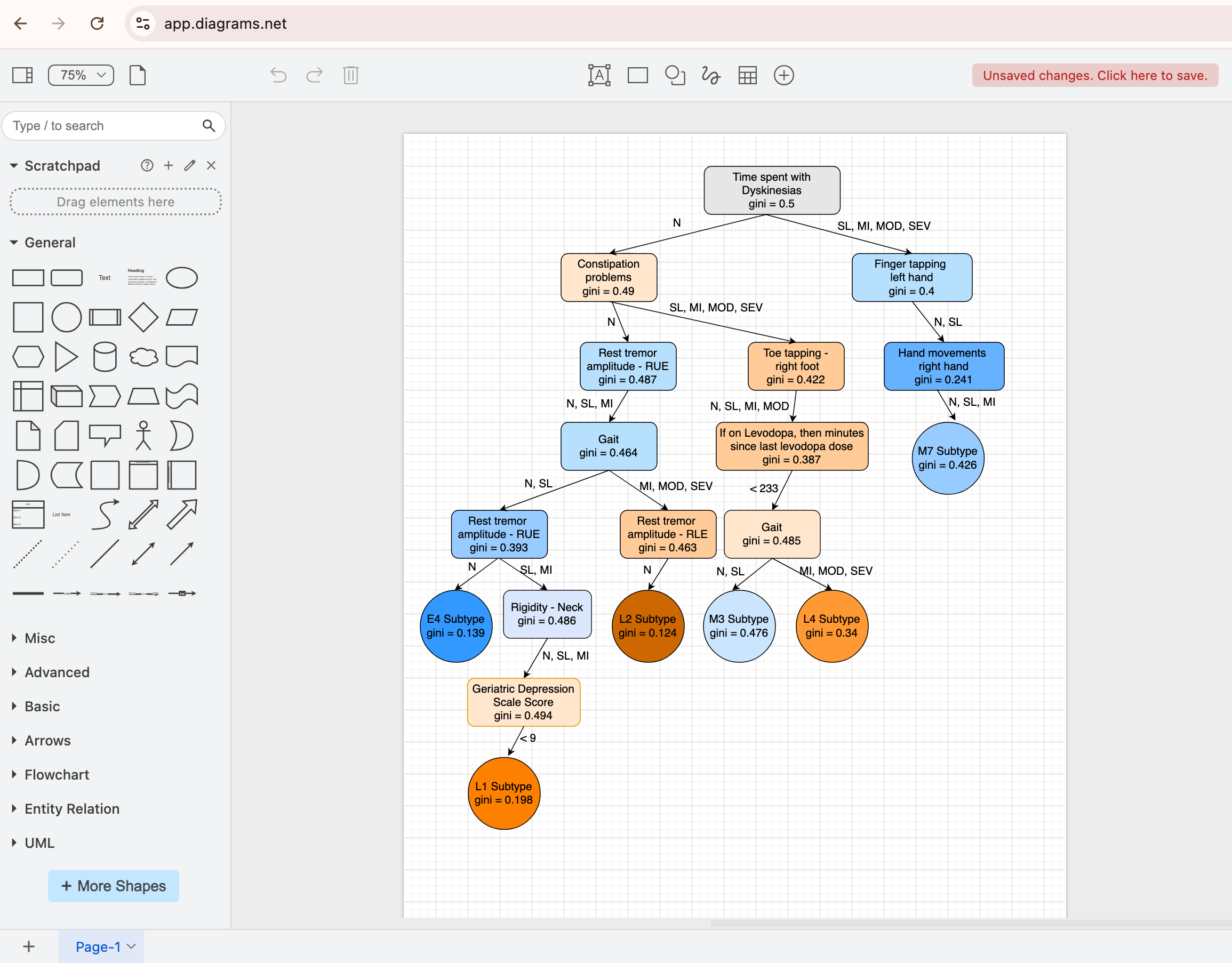
For diagrams: I draw system diagrams directly in Google Slides using basic shapes or use draw.io. Complex diagrams sometimes start in draw.io and get pasted in.
All slides are archived in PDF format on my GitHub repository (link on homepage). You’re welcome to use the structural layout as a template for your own presentations.
Final thoughts on technical presentation examples using googleslides
We hope the above slides gave a more practical perspective on preparing academic and technical presentations. However, these learnings, in principle, should also help you to deliver technical talks in the industry or your workplace.
If you found this article to be useful, this article may also be of interest to you.
Discover more from Medical AI Insights
Subscribe to get the latest posts sent to your email.